Add Comments to Selected Code
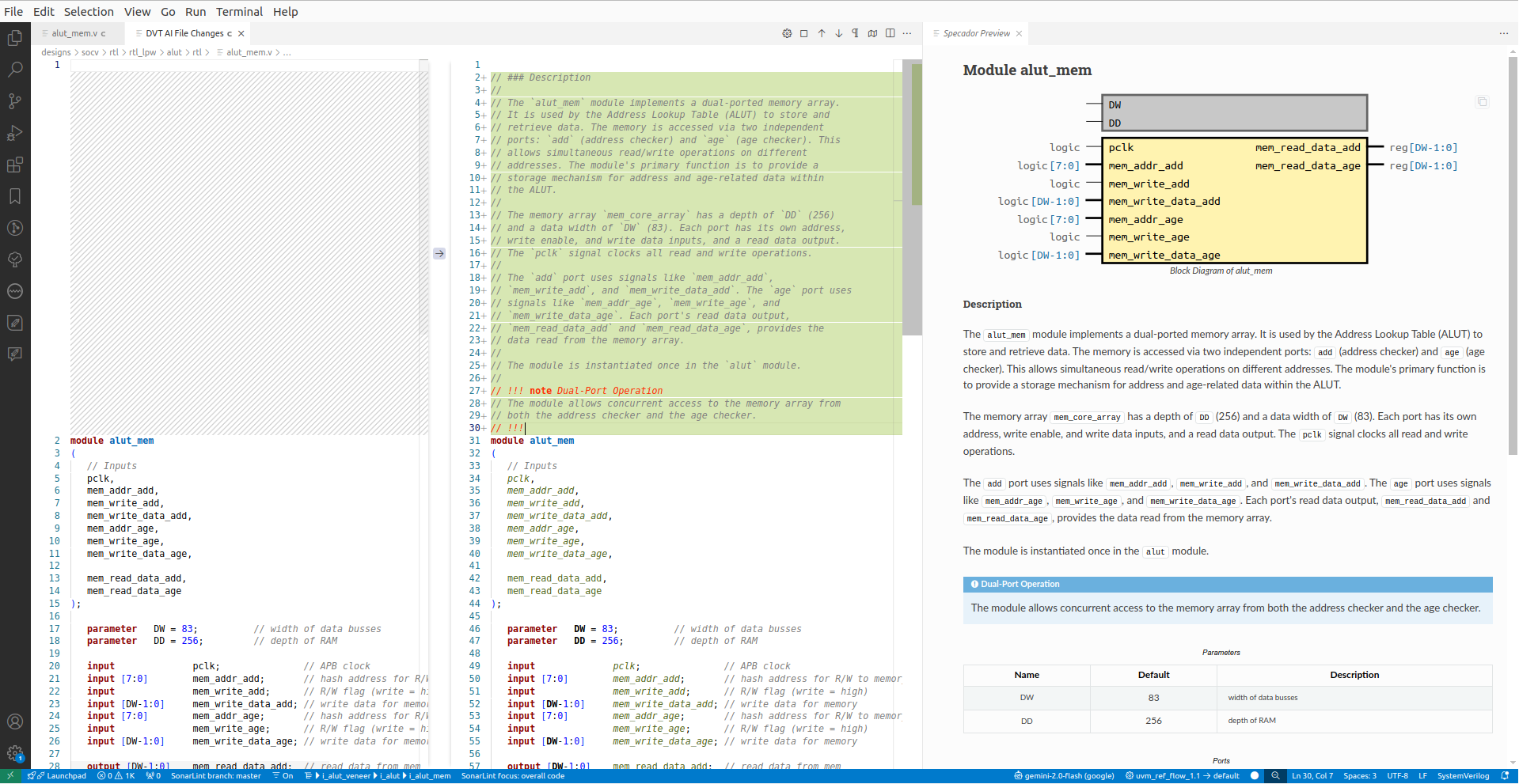
The Add Comment to the Selected Code predefined blueprint allows the insertion of LLM-generated, context-aware documentation into your code.
To use this feature, place the cursor on an element declaration (e.g., module, interface, class, entity) or select a piece of code, then either:
Right-click and choose , or
Use the command palette to run:
Note
The generated comments use the same markup language set for the editor tooltips (e.g., Markdown, Javadoc, Natural Docs).
Customization
Use the command to modify the blueprint.
The blueprint sends a set of predefined comments as reference for the LLM using the @comments of element prompt snippet.
To modify the default prompt snippet run the command .
This action will extract several files under the .dvt/ai/snippets/comment-examples directory.
Each file corresponds to a specific element type and supported markup language (e.g., module_markdown.example). You can directly modify the contents of these files with your own comments.
Previewing the HTML Output
You can preview the HTML version of your generated comments using ⠀.