Lint Waivers
There are multiple ways to create lint waivers. You can invoke the Quick Fix… command on an existing error and pick either the Waive … error proposal or the Waive all failures for … proposal. Alternatively, lint waivers can be created by using the Verissimo: Lint Project… command and selecting the Add Waiver… option.
The parameters that can be configured are:
File: the file where the waiver will be saved (from the waivers include tree)
Name: an unique name for the waiver
Description: a short explanation for the waiver
Status: the status that will be applied to the matched failures
Apply on: the scope of the waiver (it applies on matched or non matched failures)
Paths: the file paths on which this waiver applies to
Check Names: the name of the checks this waiver applies to
Message Patterns: the regular expression this waiver must match (Perl-like or simple regular expression)
Line Ranges: the line, or line ranges (StartLine:EndLine) this waiver must match
Elements: the elements used to obtain a set of files that will be waived; files containing only such elements and all the files included in the scope of those elements will be waived
The status option can be set to:
DISABLED: failures are removed
ERROR: failures are reported as errors
WARNING: failures are reported as warnings
INFO: failures are reported as info
The waiver will match a failure if all defined parameters match the failure properties (the check that generated the failure, line, file, or message). If a parameter is empty (not defined) it will match any value.
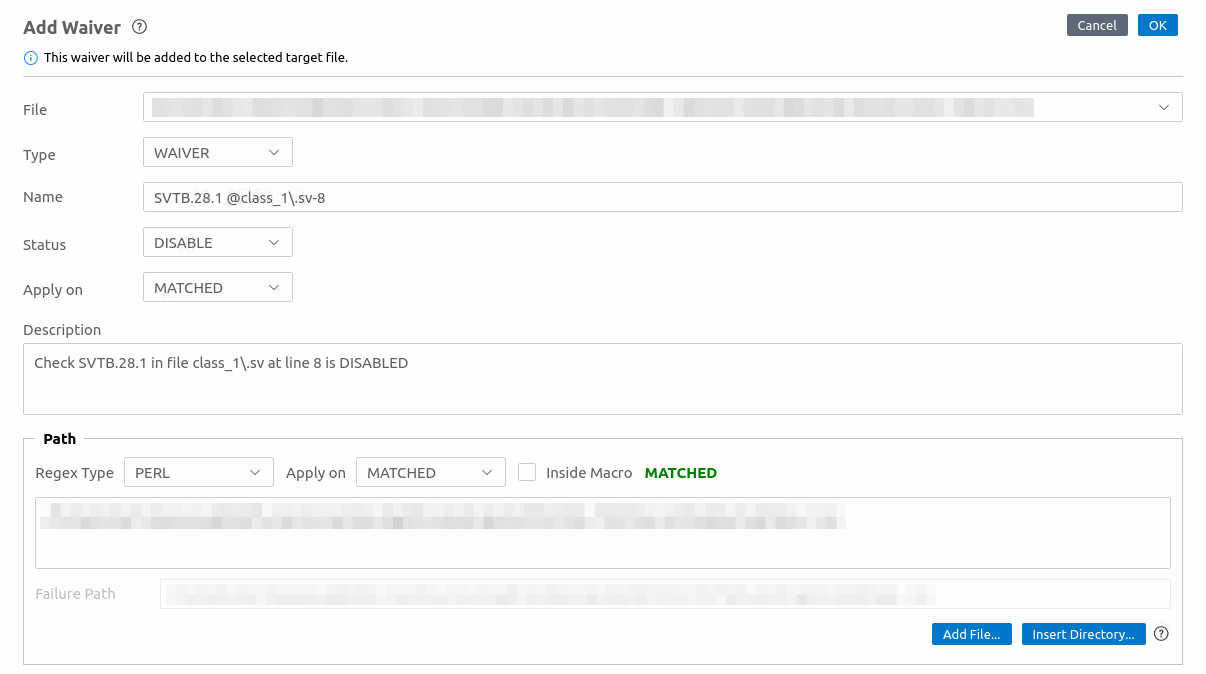
Pre-waivers can be created by selecting PRE-WAIVER option of Type. The parameters that can be configured are:
File: the file where the pre-waiver will be saved (from the waivers include tree)
Name: an unique name for the pre-waiver
Description: a short explanation for the pre-waiver
Apply on: the scope of the pre-waiver (it applies on matched or non matched paths)
Paths: the paths on which this waiver applies to
Check Names: the name of the checks this pre-waiver applies to
Elements: the elements used to obtain a set of files that will be pre-waived; files containing only such elements and all the files included in the scope of those elements will be pre-waived
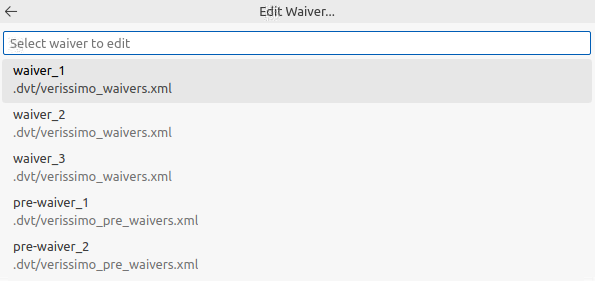
Existing waivers can be edited by using the Verissimo: Lint Project… command and selecting the Edit Waiver… option. This will open a quick pick with a list of all existing waivers to select from.