Dashboards
DVT AI Dashboards are self-contained, shareable HTML pages that present data in a structured, navigable format, such as code review summaries, design overviews, compilation reports, or any other set of information gathered by the AI Assistant.
To build one, the AI Assistant pulls the needed information through the DVT MCP tools, and assembles it into a single page using the dvt-dashboard-generator skill. Once generated, the page is opened inside the DVT IDE, where its links and actions stay connected to your project.
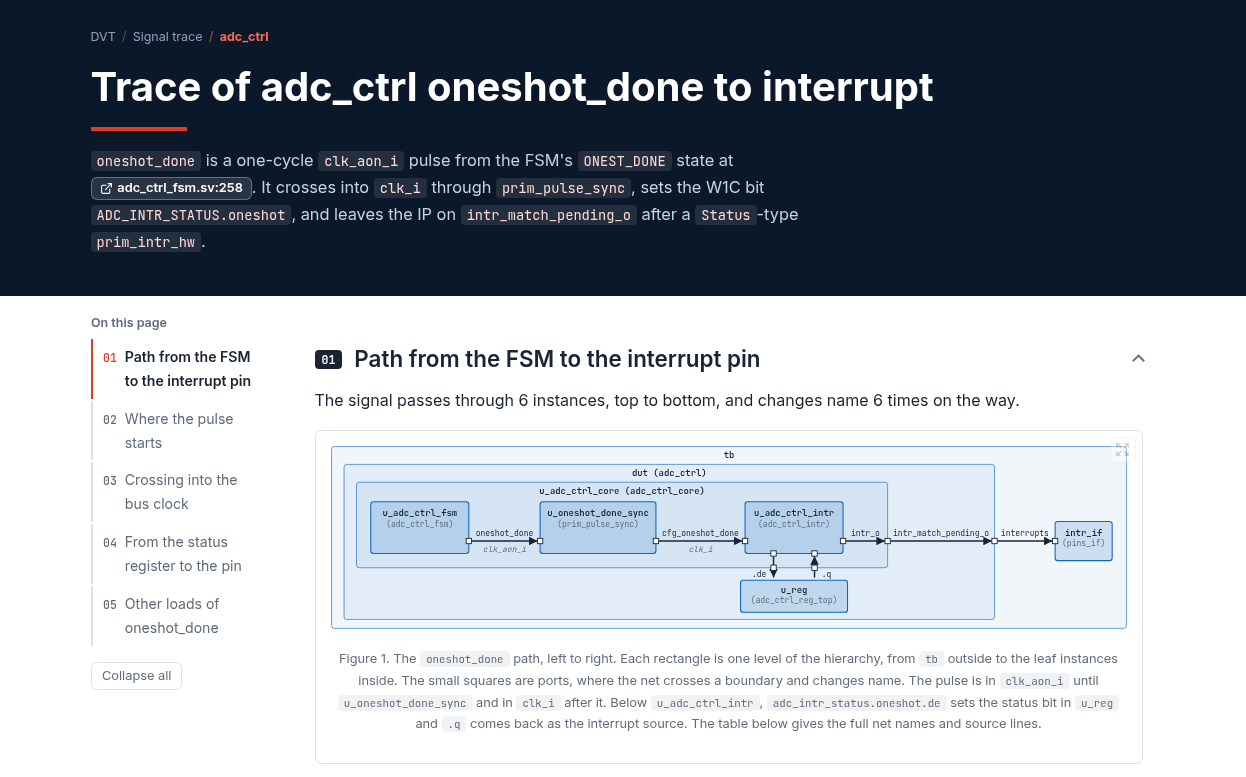
An example DVT AI Dashboard showing the drivers and loads of a signal
How to create a DVT AI Dashboard
Dashboards are created directly from the chat. In an Agentic session, simply ask the AI Assistant to produce a dashboard, a report, or an HTML page that presents a specific set of information. For example:
Create a dashboard summarizing the code review of my uncommitted changes.
Make a page with an overview of the DMA IP design hierarchy and its compile problems.
Generate a report showing the drivers and loads of tb.dut.ctrl_state_d.
When you send such a request, the AI Assistant spawns a subagent that generates the dashboard. The subagent then opens it in a dedicated dashboard viewer by calling the dvt_load_dashboard DVT MCP tool.
What you can do in DVT AI Dashboard
A dashboard is more than a static snapshot. You can navigate it using the generated table of contents, and jump straight to source: every project file name is a link that opens the file, and optionally the line, in the editor.
Dashboards can also contain buttons that trigger actions in the DVT IDE, such as opening a chat conversation, improving a coverage gap, regenerating a diagram, or requesting an additional explanation for a specific element on the page.
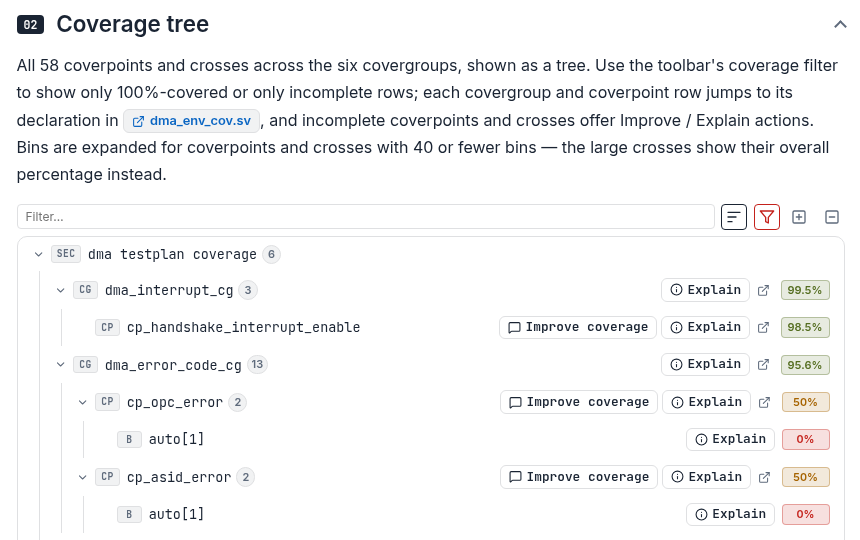
The coverage tree section of a DVT AI Dashboard, with its available actions
You can inspect the evidence behind each claim: code snippets, diffs, design and coverage trees, compile and lint problems, and diagrams rendered with Mermaid and WaveDrom.
Finally, because a dashboard is a self-contained HTML page, you can share it with a teammate, or keep it for later reference.