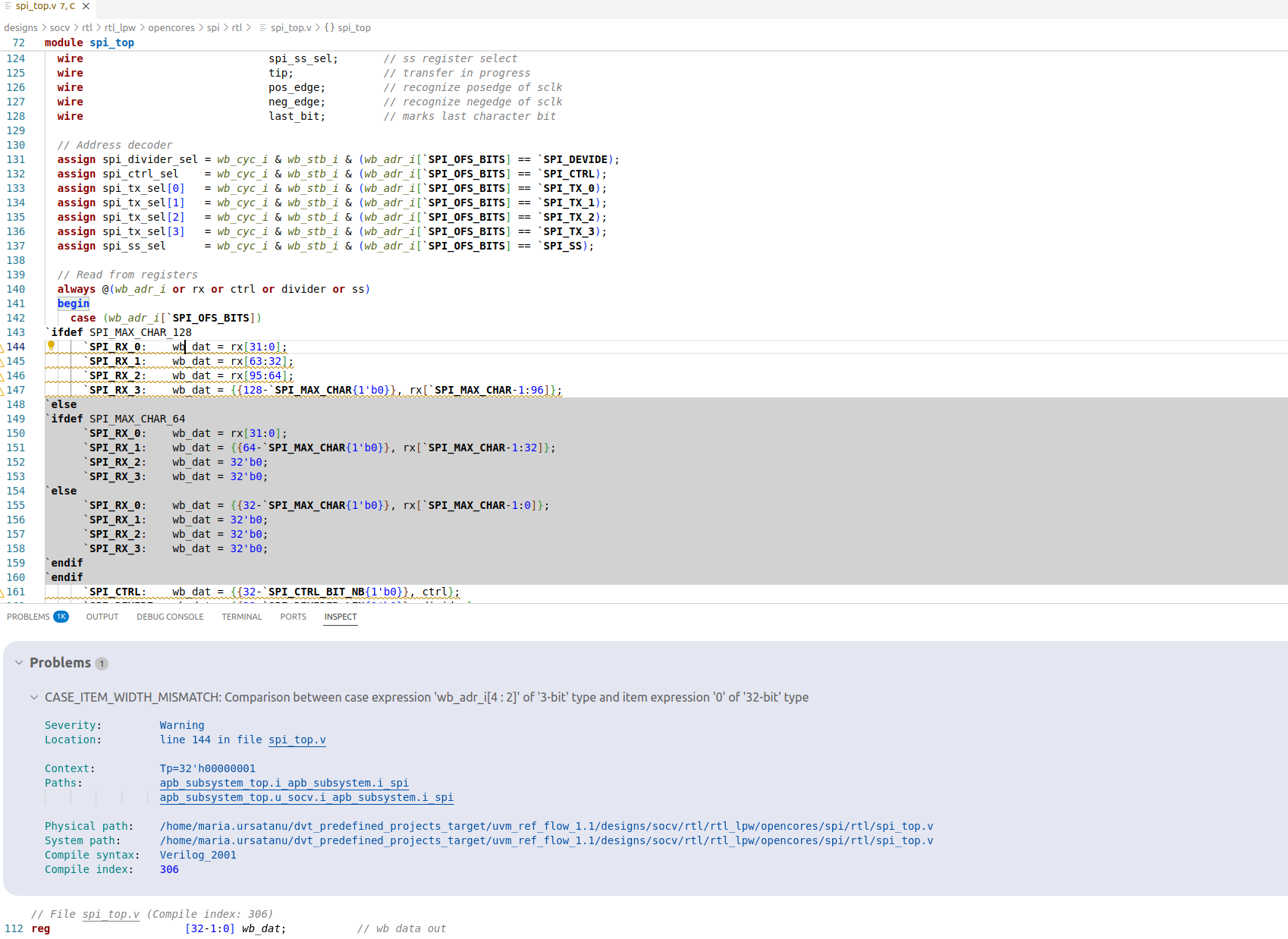
Inspect View
Inspect View shows detailed information about various elements in DVT.
Open the view using the Inspect: Focus on Inspect View command.
To inspect an element, simply select it in a view or click on its name in the editor.
Information about the selected element will be presented in the view.
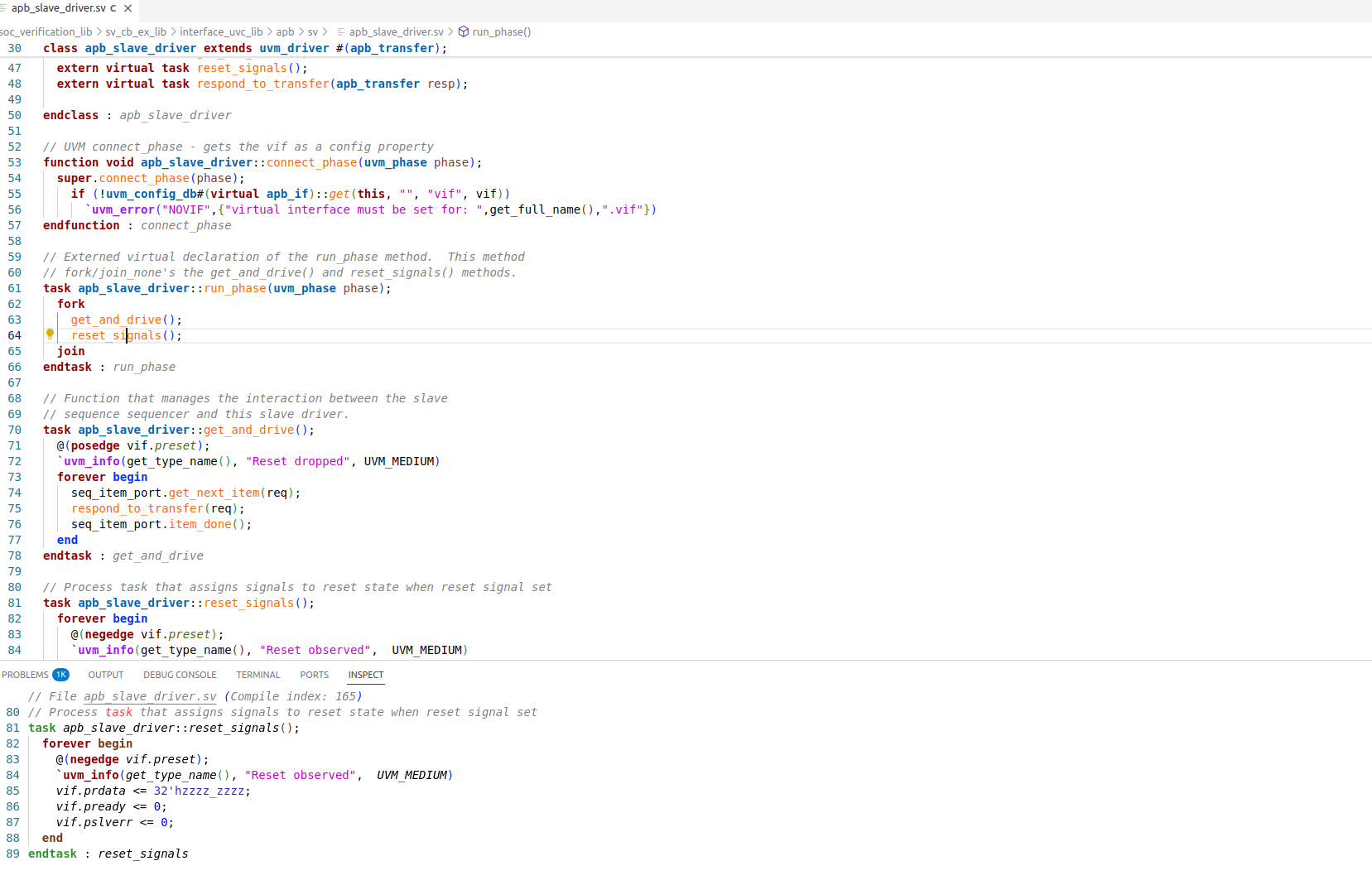
Each element shown in the Inspect View starts with an information line regarding the file and line number of the element.
The Inspect View highlights the relevant source code lines of the selected element. These lines may be surrounded with additional source code to provide a context, if necessary.
You can customize the number of lines shown through the DVT.inspect.contextLines preference.
You can also view information about the issues under cursor.