Show Interface Instance in the Design Hierarchy View
To see the instance connected to an interface port, right-click on the port in the Design Hierarchy and select Show Instance in Design Hierarchy.
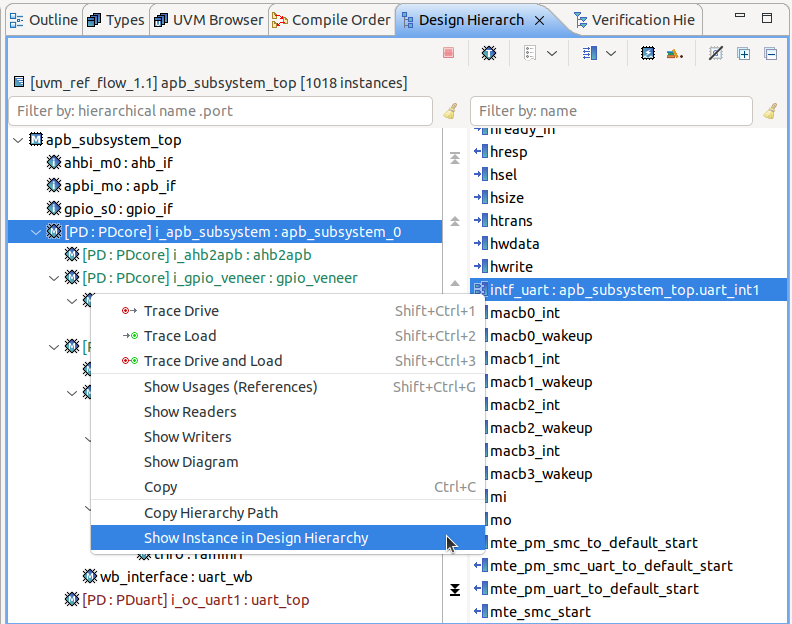
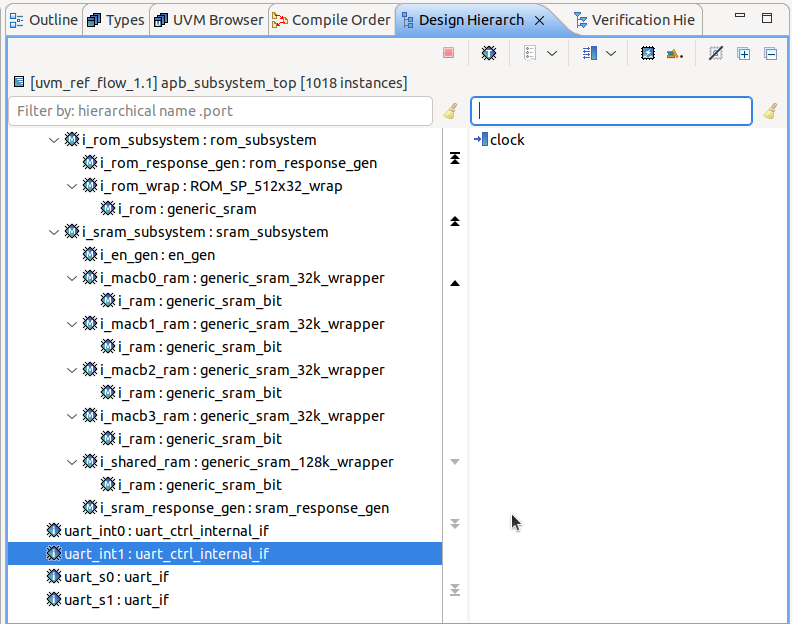
The instance will be selected in the Design Hierarchy.
Note
In order to be selected, the interface instance must not be hidden in the Design Hierarchy.